


How To Track Your Progress
In this video we will learn how to track our progress through the lessons and courses on the PianoGroove website.
All progress is saved to your personal dashboard to keep track of your learning journey through the lessons and courses on the website.
Lesson Completion Notifications
When you complete a lesson you will see a lesson completion notification and the lesson checkbox is ticked to indicate that the lesson has been completed.
In order for the lesson completion notification to show you must watch at least 50 seconds of the video for the system to understand that the lesson has been completed.
Manually Tick & Untick The Check Boxes
Each course page shows the lessons it contains, the lesson titles, the lesson length, and also a check box which is automatically checked once a lesson is complete.
You can also manually tick and untick the check boxes to show that you have completed a lesson, or that you would like to revisit the lesson.
Dashboard Progress Bars
When a course is started it is added to you Pro Dashboard and you will see a progress bar to indicate how much of the course has been completed.
Once you have watched an entire course it will be marked as 100% complete and added to the "Completed Courses" drop down feature, so that you can keep track of the courses that you have finished.
Related Lessons
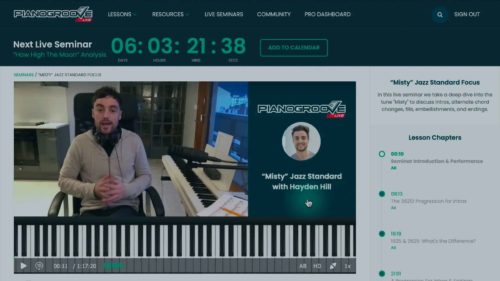
Learn how to add a live seminar to your calendar, how to browse the archived seminars. and how to use the seminar cha...
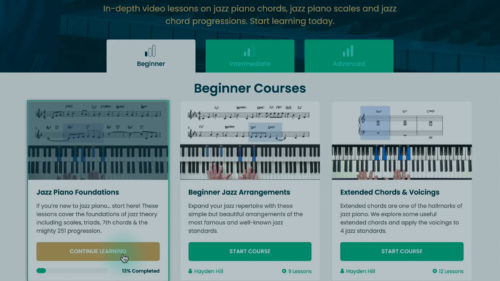
You will learn how to choose the most appropriate learning path for your current skill level and for your current goa...
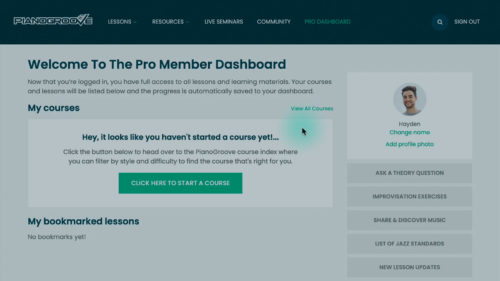
There are 2 ways to log into the website, you can request a login link to your email address or alternatively enter y...
Practice Tips
-
When a lesson has been watched you will see the lesson completion notification.
-
To see the lesson completion notification, you must watch at least 50 seconds of playback from the video, or the system will not register the lesson as 'complete'
-
Notice that after completing a lesson, the checkbox is ticked and the course progress bar is updated on your Pro Dashboard.
- If you would like to tick or untick the checkboxes manually, simply click/tap inside the circles on the course page and your progress will be updated in the system.


I have just outlived a terrible year (Covid and Pneumonia).Let me have a week on the piano and I’ll get back to you . Thanks ,kenb