



Lesson Page Features & Functionality
In this video we will explore the layout, features, and functionality of the individual lesson pages on PianoGroove.
To start and stop the video lesson you can click the play button, or anywhere inside the video container. On tablets and mobile devices simply tab the video to start, pause, and resume playback.
Lesson Chaptering Interface
Every PianoGroove lesson has a chaptering interface below the video which includes 6 chapter markers with the associated chapter labels.
The chapters make it easy to navigate through the lessons and to find the parts of the tutorial that you are most interested in. As the video is playing you will see the current chapter highlighted in bold font.
The Secondary Navigation
There is a secondary navigation on the lesson pages which takes you to the different sections of the page. Simply click the secondary menu item and it will auto-scroll you to that section of the page. The secondary menu items are:
- Lesson Description & Information
- Lesson Downloads (PDF, Audio, & Midi Files)
- 3 Related Lessons
- Practice Tips & Guidance
- Lesson Comments & Questions
Lesson Bookmark Feature
Click the "Bookmark this lesson" button to add personalized notes and practice reminders. Your bookmarks and notes are saved to your bookmarks page which is accessible in the top right hand corner of the website.
Related Lessons
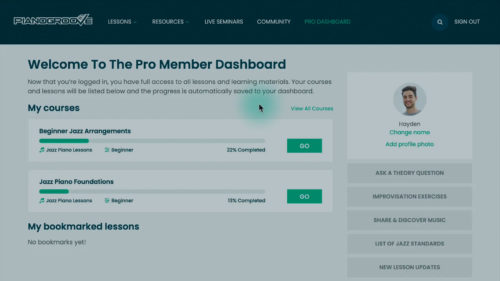
We will explore the layout of the Pro Member Dashboard and how to track your progress through the lessons and courses...
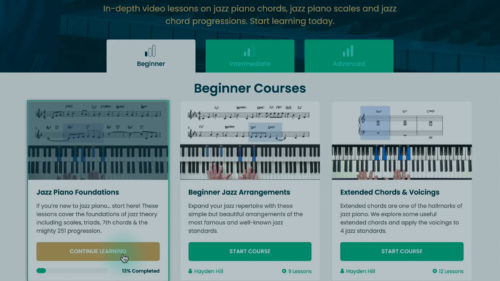
You will learn how to choose the most appropriate learning path for your current skill level and for your current goa...
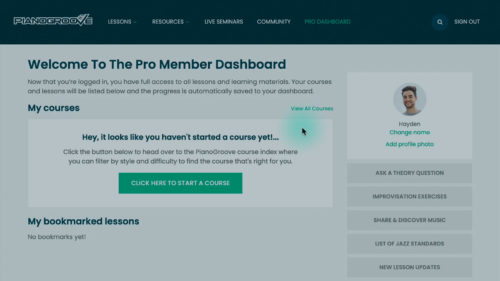
There are 2 ways to log into the website, you can request a login link to your email address or alternatively enter y...
Practice Tips
-
Navigate a lesson using the chaptering system underneath the video container.
-
Familiarise yourself with the layout and sections of the video page and use the secondary navigation to quickly move between the page sections.
-
Start a habit of checking out the practice tips and pointers which are bullet pointed below each lesson page.
-
Read the lesson comments to discover common questions from students and the answers posted by out teaching team.
- Post a comment or question yourself and take part in the discussion.


Do you really respond to every comment?
Hi Michael,
Yes I personally reply to all comments and questions.
Cheers and enjoy the lessons!
Hayden