



Signing Into The Pro Dashboard
Upon registration you are automatically logged into the website. If you like you can stay logged into your account for quick and easy access to the Pro Dashboard.
If you use the website on a different computer or if you want to watch the lessons on your tablet or mobile device you will need to log in on both devices.
On every page of the website you will see the big "LOGIN" button in the top right hand corner of the screen. Click here and you will be directed to the login page.
The Pro Member Dashboard
Every time that you log into the website you will land on the Pro Member Dashboard where your course progress and lesson bookmarks are saved.
In the next videos in this orientation course we will explore all of the features and functionality of the Pro Member Dashboard.
Related Lessons
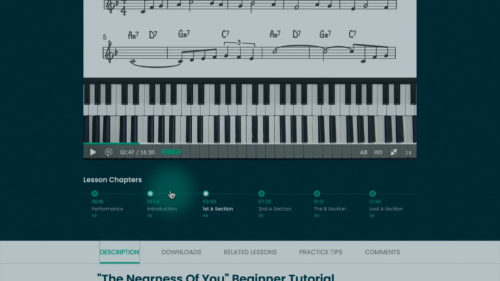
We will explore the layout of the lesson pages and discuss the chapter interface, lesson downloads, commenting sectio...
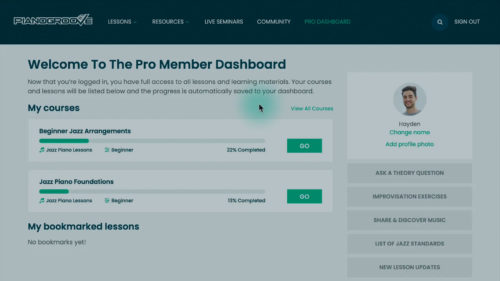
We will explore the layout of the Pro Member Dashboard and how to track your progress through the lessons and courses...
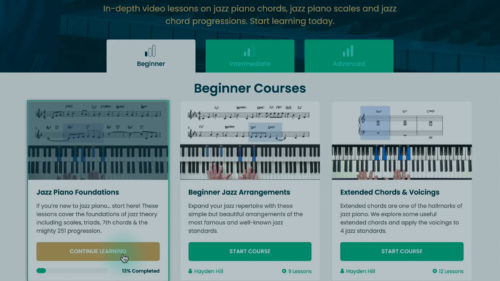
You will learn how to choose the most appropriate learning path for your current skill level and for your current goa...
Practice Tips
-
If you would like to reset or assign a password for your account, you can do this via the "reset password" link.
- You can log in on multiple devices such as computers, smart TVs, laptops, tablets, and other mobile devices.


Thanks for the intro.
Thanks for the intro. I’ve been a member of pianogroove for quite a few years. Looking forward to being back to being active
Dave